
How to Create an App
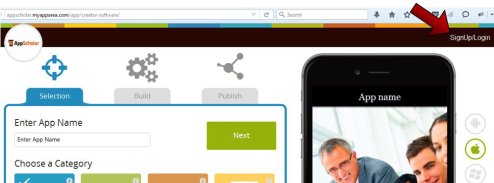
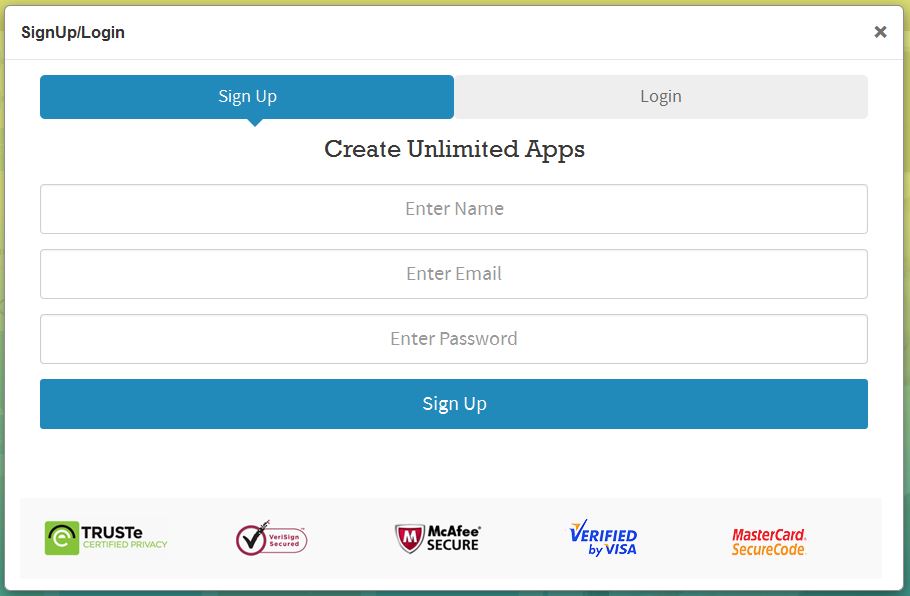
Learn how to create an app with the AppScholar do-it-yourself mobile app builder. The best way to use this page is to open it as a separate window next to the App builder as you use it. If you have a question, find the “+” icon to open the expanded explanation. Here are some useful links relating to How to Create an App: What is an app? | How do I create an app?
Creating Your App with AppScholar in 8 Easy Steps
Final Steps – Publishing Your App
Now that you’ve completed your app build it’s time for you to do the last steps to get your app published:
Module Specific Tutorials
While the AppScholar app builder is easy to use and rather intuitive there are a few extra steps needed for some of the custom and advanced features. Each help section below covers each menu tab from the add app features menu (we start with Social as the “Recommended” tab is a blend from the other tabs):
